Documentation
Guidance on the usage of REMIT Relax.
Update Subscription
If an organization has subscribed to the free subscription, it is still possible to update to the full subscription afterwards. This can only be done by an Admin user.
- Click the user icon at the top right of the app, then select Subscriptions. This opens the organization admin menu and is only available to Admin users.
- The current and past organization subscriptions are listed here. For example, if a free subscription is used for the Excel Converter, that subscription has a button that lets you update to the full subscription.
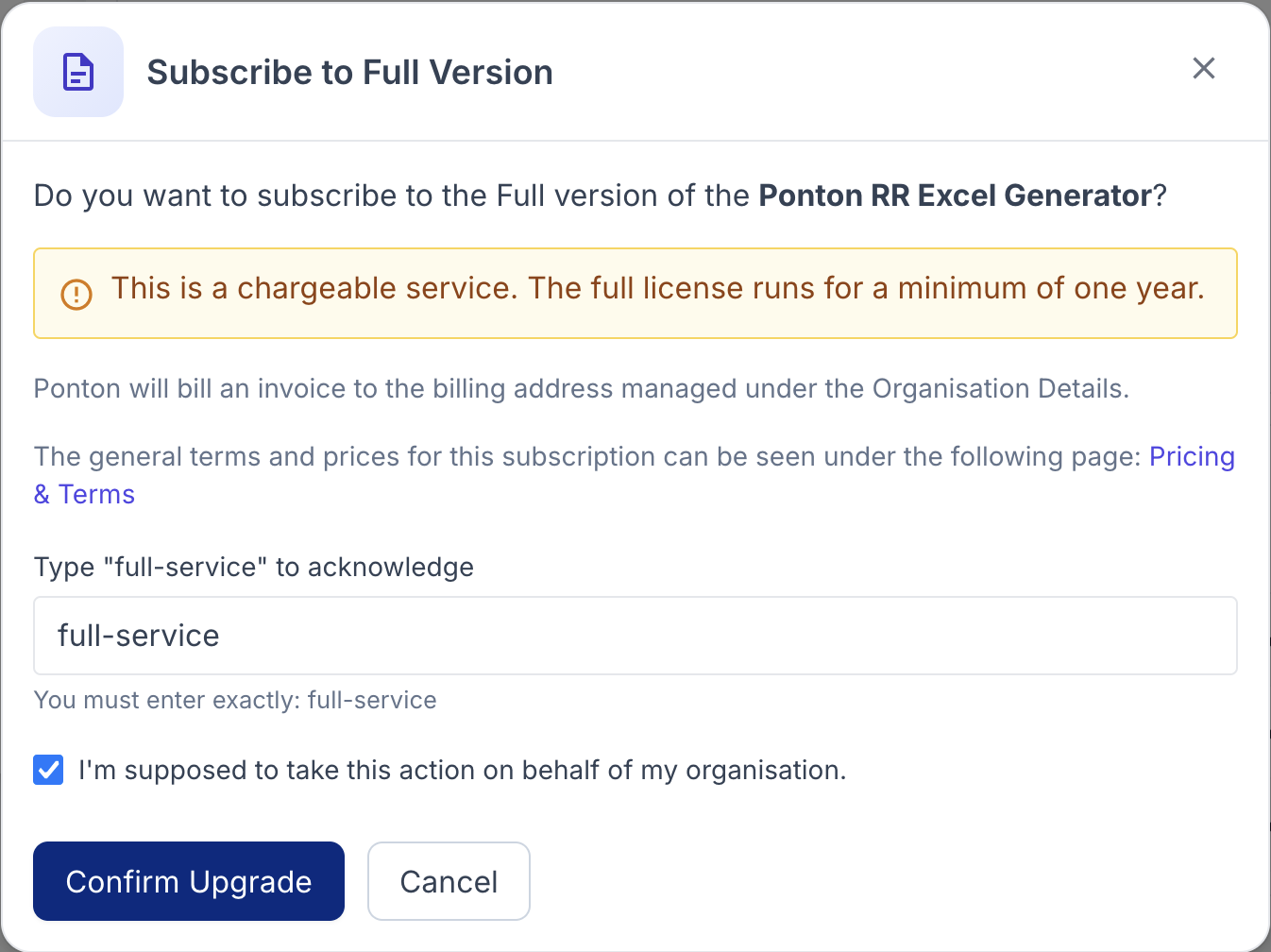
- Clicking it opens a pop-up with further details about the full subscription.
- To activate the upgrade, the Admin user needs to type in
full-serviceand confirm that they are authorized to take this action on behalf of the organization.
- The subscription will afterwards show as pending, as the request needs to be validated by Ponton.
Billing and Usage
In case of full subscriptions, an agreed charge will be billed. For default RR Excel Converter subscriptions, there is a flat fee with a threshold, and above that threshold there is a transaction fee per processed trade.
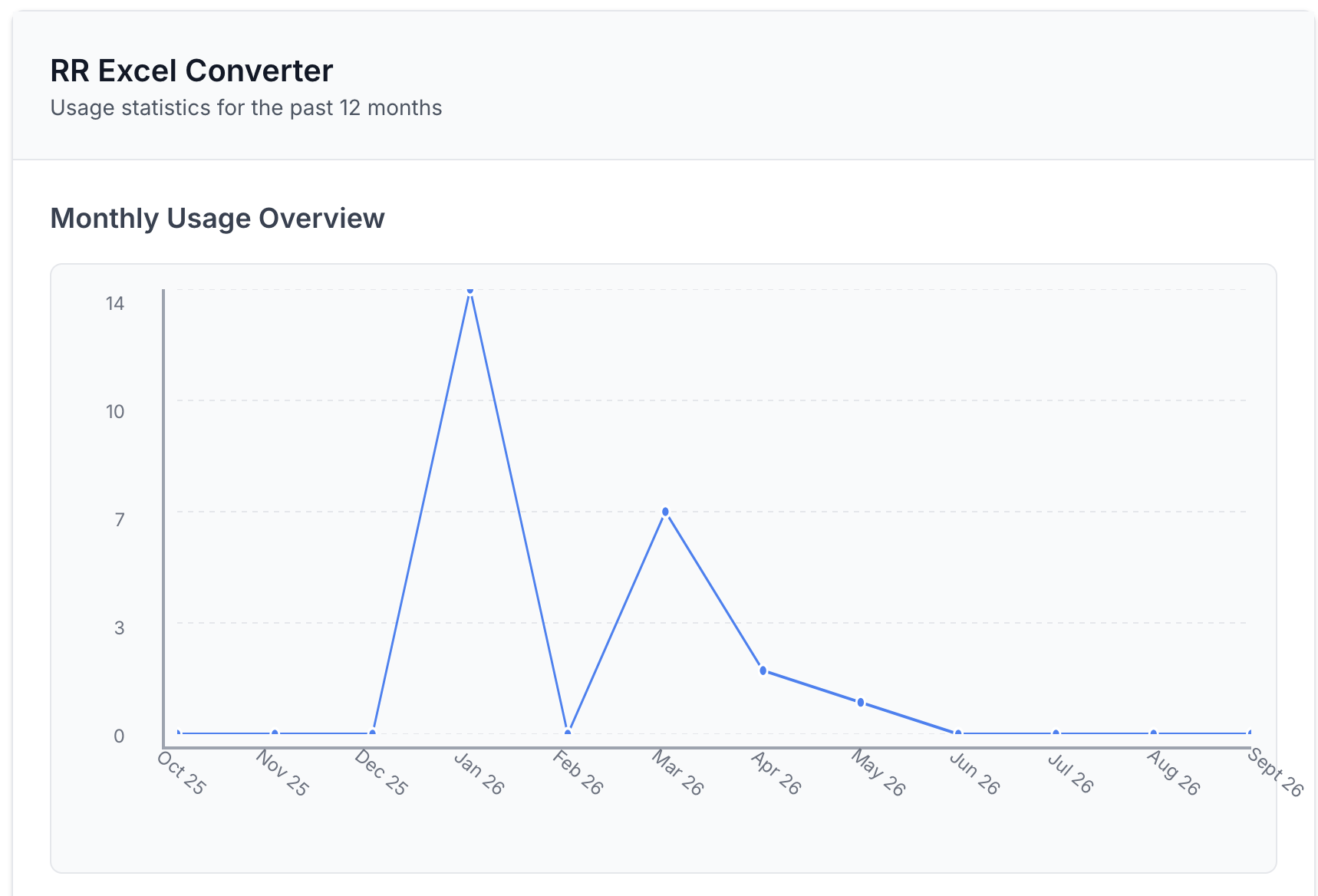
To review the usage of REMIT Relax, an Admin user can navigate to the Quota section to see the processing history, which shows the generated usage for the last 12 months.